
Team Manager
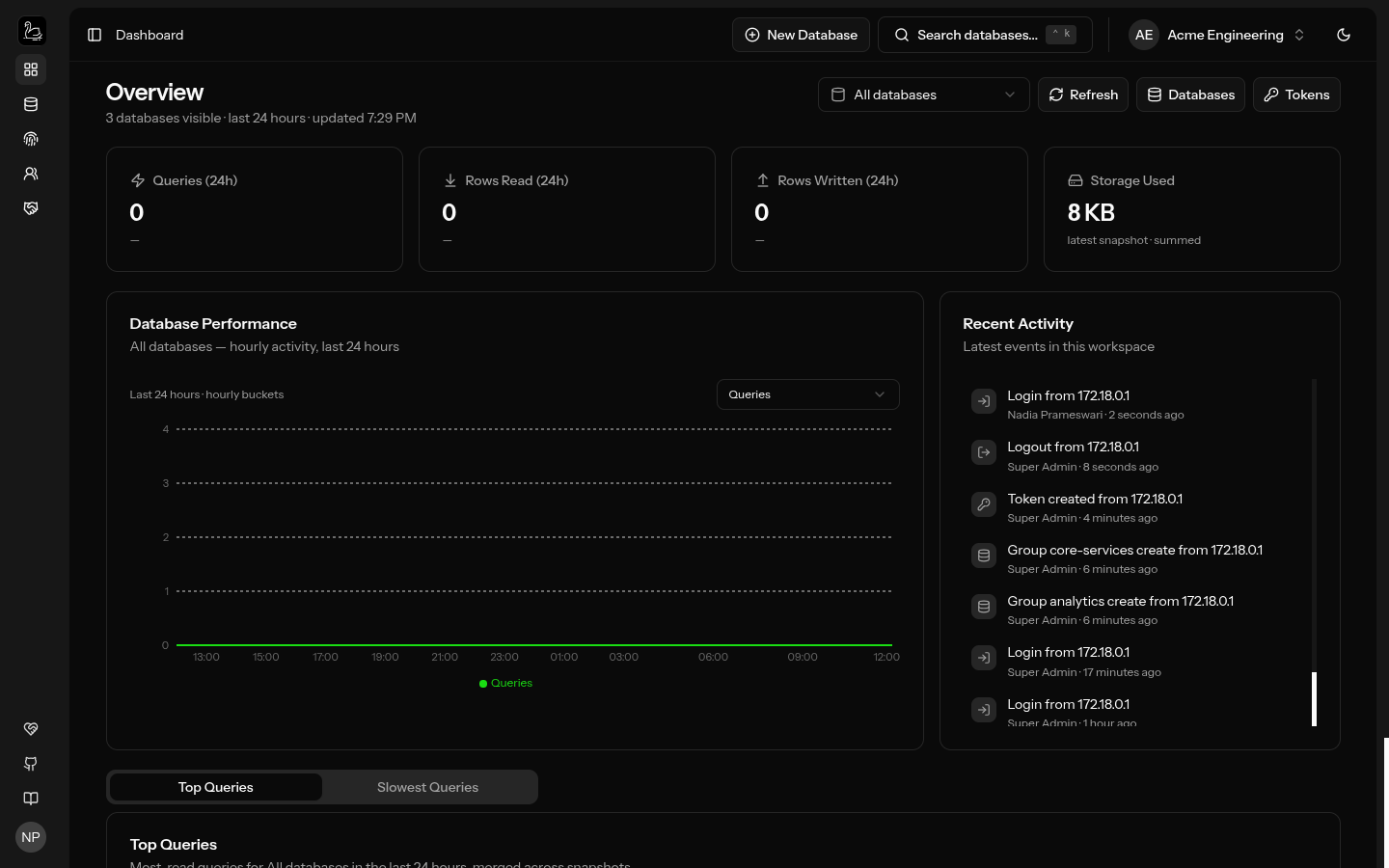
A Team Manager is accountable for one team’s structure. They decide how the team organises its databases, which group credentials exist, and who is in the team. They do not administer the platform.
What you see
The sidebar has five entries — note the absence of User Management:
- Dashboard
- Databases
- Tokens
- Groups
- Teams
Story: organise a team’s databases
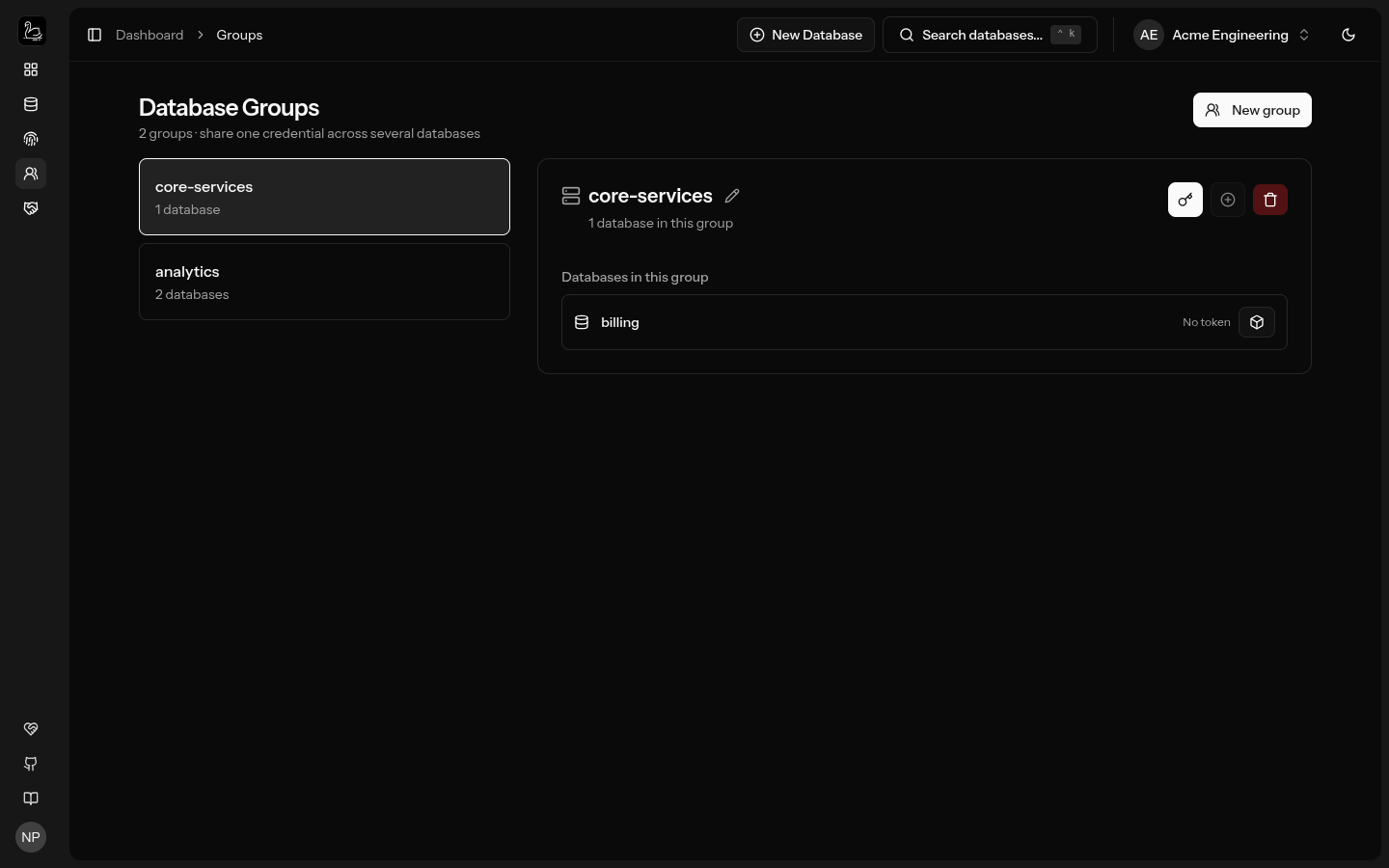
1. Create a group
Open Groups → New group. A group is the unit that lets several databases share a single credential — useful when one application talks to more than one namespace.
2. Create a database
Use New Database in the header. Pick the group, name the database, and submit. The namespace is created on sqld immediately.
You can also attach an existing database to a group from the group detail panel (Add Existing), which is how a database created before the group gets folded into it.
3. Issue a group token
Group tokens are the credential type a Team Manager owns. Open the group and use its token action to mint a credential that works across every database attached to that group.
Per-database tokens are minted by Super Admins and Database Maintainers. A Team Manager can see the team's database tokens but cannot create or revoke them. If you need a credential for a single database, ask the maintainer of that database.
4. Manage membership
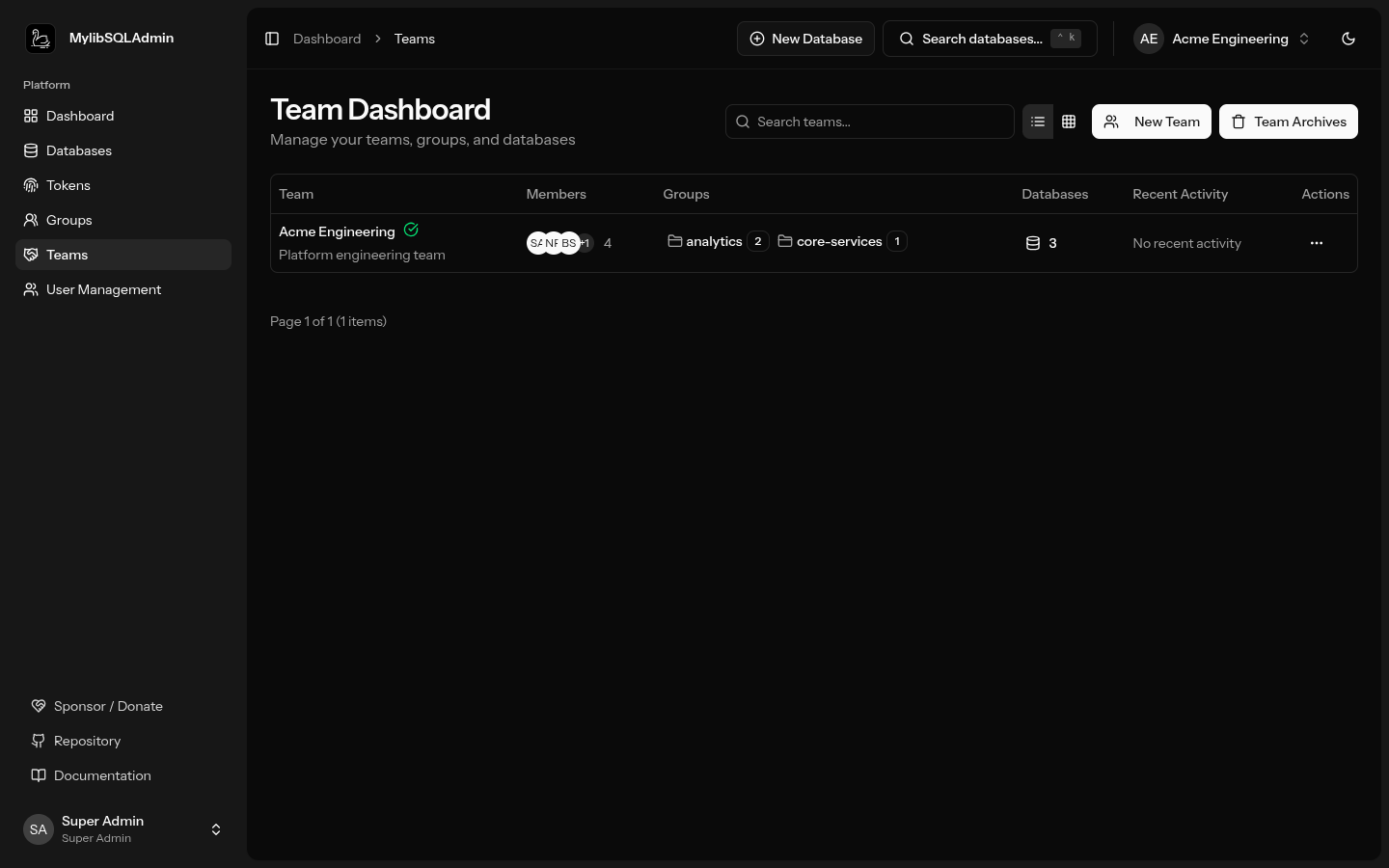
Open Teams → your team → Manage members. You can invite people by email, change their team permission level, resend an invitation, or remove a member.
5. Keep the team description honest
Update team lets you change the name and description. The description is what everyone sees in the team switcher, so make it identify the team rather than repeat its name.
What you can do
- Create databases in your team.
- Create, rename and delete groups; attach and detach databases.
- Mint and revoke group tokens.
- Invite, update and remove team members.
- Update the team’s name and description.
- View the user directory and the team’s database tokens.
What you cannot do
Outside the role
- Create or delete teams — that is a Super Admin action.
- Create, edit or archive users. You can see who exists; you cannot change them.
- Archive, restore or delete a database.
- Grant a database to a user.
- Mint or revoke per-database tokens.
Policies compare the object's team with your membership row. Editing a URL to point at another team's group or database returns 403 — the sidebar is not the boundary.