
MylibSQLAdmin is a web control plane for libsql-server: it gives a team a browser UI for the databases, credentials and people that would otherwise live in shell scripts and curl calls.
This manual is organised around what you are allowed to do, not around the menu bar. Each role has its own guide with the screens it can actually reach, the actions it can actually perform, and the boundaries it cannot cross.
How access is modelled
Three layers decide what you see after you log in. They are independent, and confusing them is the fastest way to give someone the wrong access.
- Your role — one of Super Admin, Team Manager, Database Maintainer or Member. A role grants a fixed set of permissions and is assigned by a Super Admin.
- Your team membership — every non-platform object (group, database, token, invitation) belongs to a team. Membership is stored per team, so the same person can hold different positions in different teams.
- Database grants — for Maintainers and Members, visibility is not implied by the role. A database appears in their list only after it has been explicitly granted to them.
Server-side policies enforce all three. The UI hides what you cannot use, but hiding a button is not the security boundary — the policy is.
Start here
Conventions in this manual
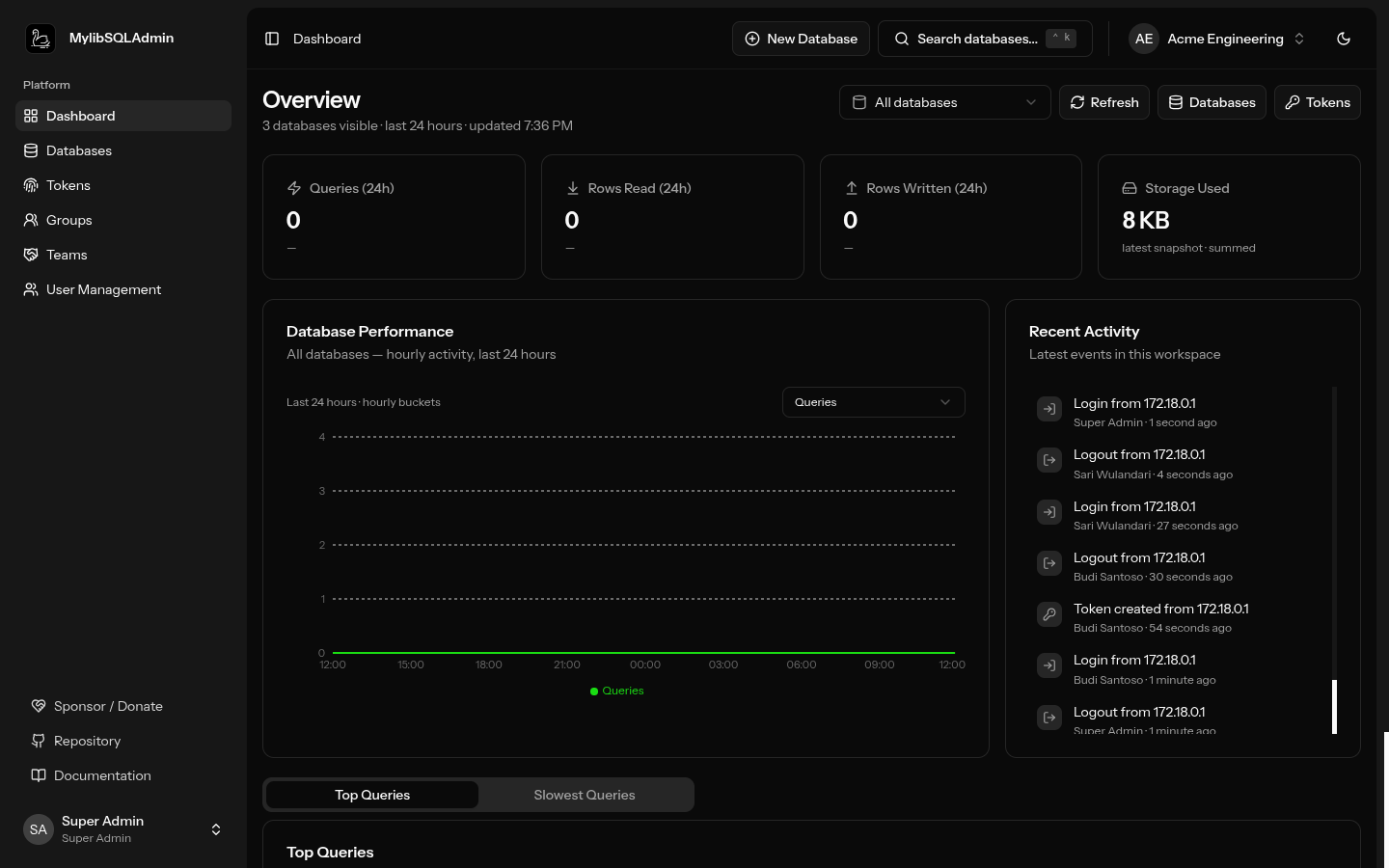
- Screenshots come from a real installation with demo data — a team called Acme Engineering, two groups, three databases, and one user per role.
- Commands are shown for a Docker Compose installation, which is the default. Kiri users can substitute
kiri composewhere the compose workflow is used. - Anything marked Super Admin requires that role; the role guides spell out the exact boundary for everyone else.
This manual describes MylibSQLAdmin 1.6.x. Pin container images by version tag — the latest tag moves on every publish.