
Super Admin
The Super Admin is the only role that exists above teams. Everything the other roles can do inside their scope, a Super Admin can do everywhere — plus the platform-level actions nobody else can perform.
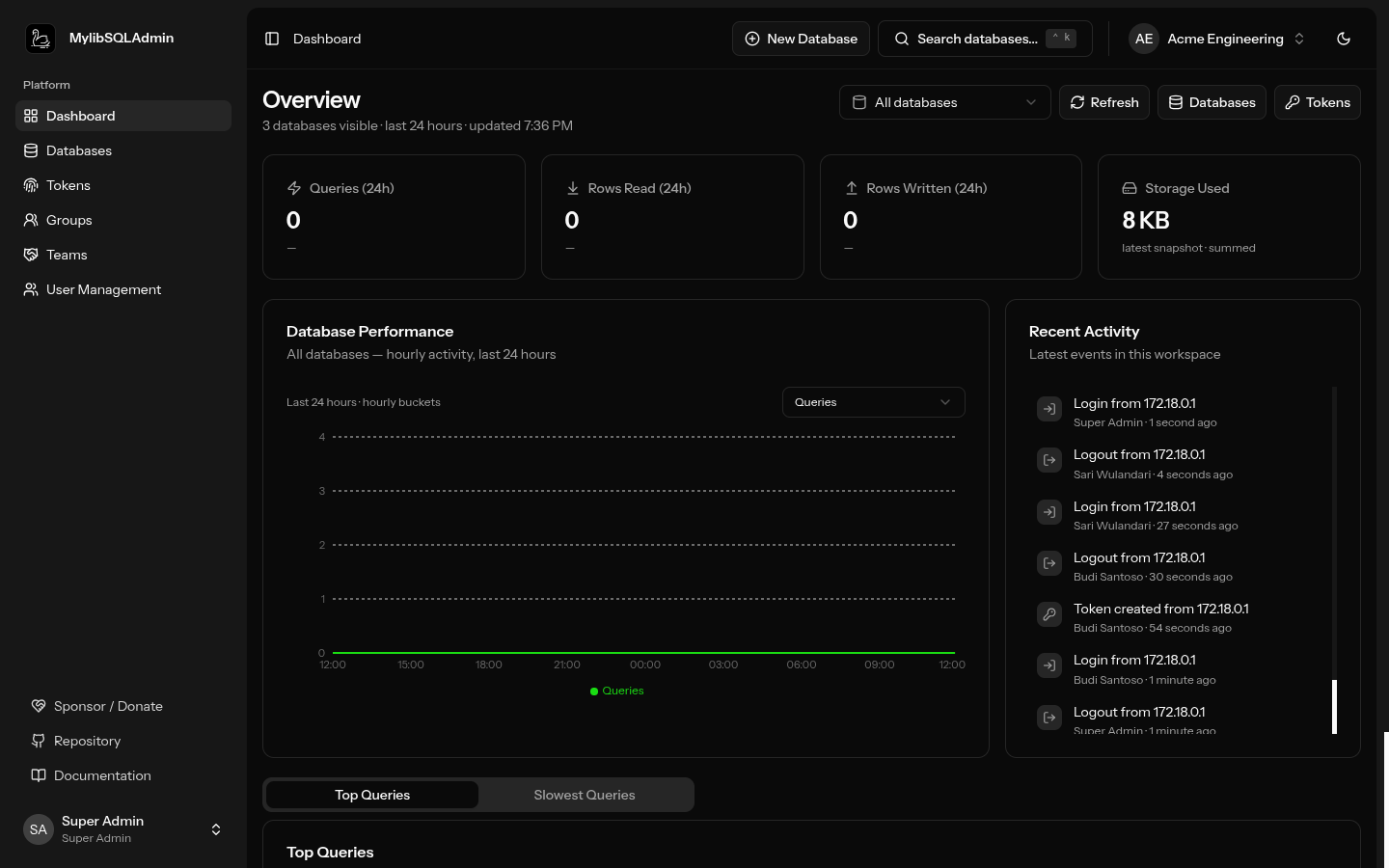
What you see
The sidebar contains every section, including User Management:
- Dashboard
- Databases
- Tokens
- Groups
- Teams
- User Management Super Admin only
Story: bring a team from zero to a working database
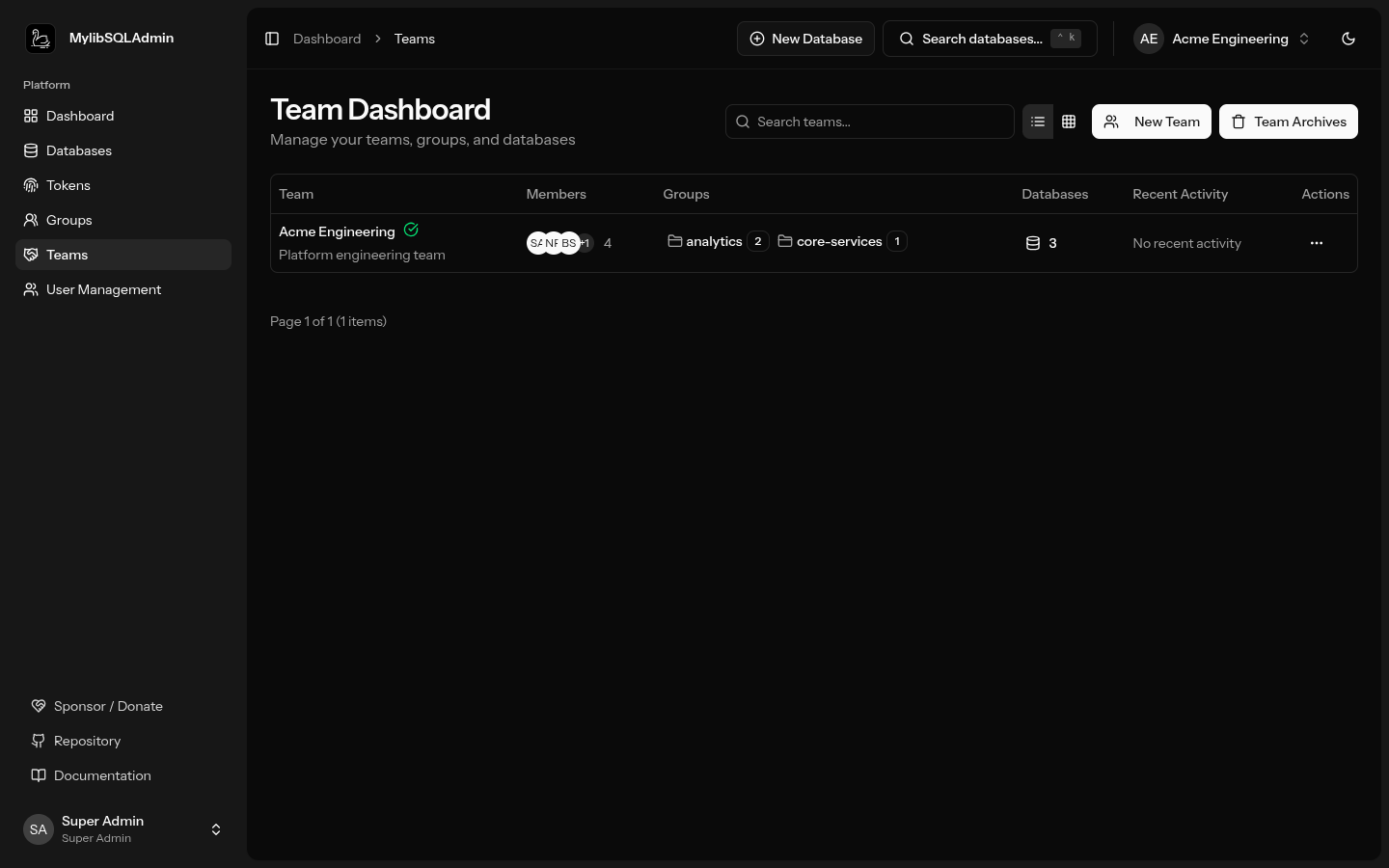
1. Create the team
Open Teams → New Team, give it a name and a description. A team is the container for groups, databases, tokens and invitations.
2. Create the people
Open User Management → Add User. For each person you set:
- full name, username and email;
- a password (or let them reset it);
- a global role — this is the role that decides which sections and actions exist for them;
- team membership, with a permission level per team.
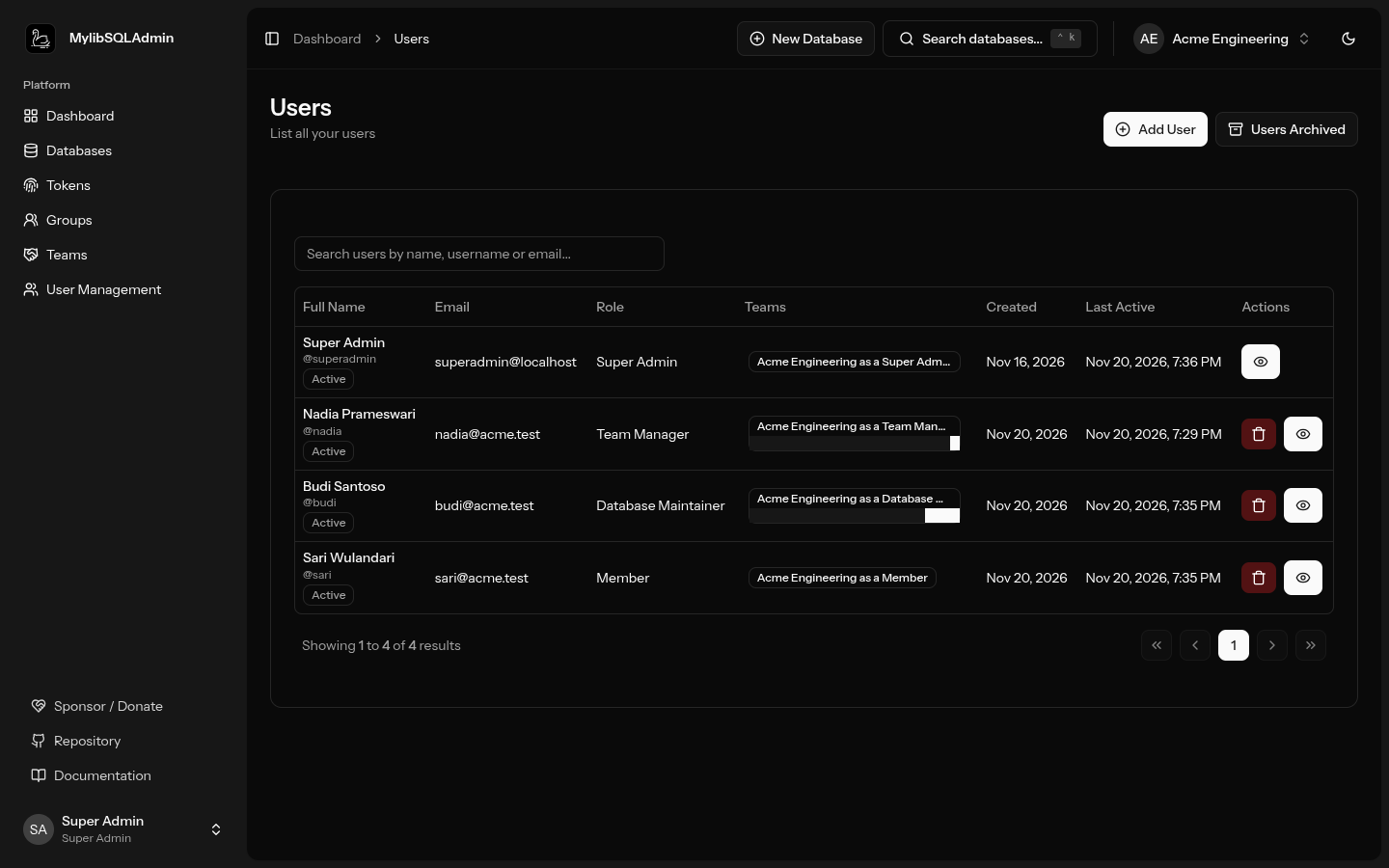
The global role is what the policies read. The team permission level is the label shown inside the team context. Keep them aligned; a person with a Member role does not gain Manager abilities by being labelled Team Manager on one team.
3. Build the structure
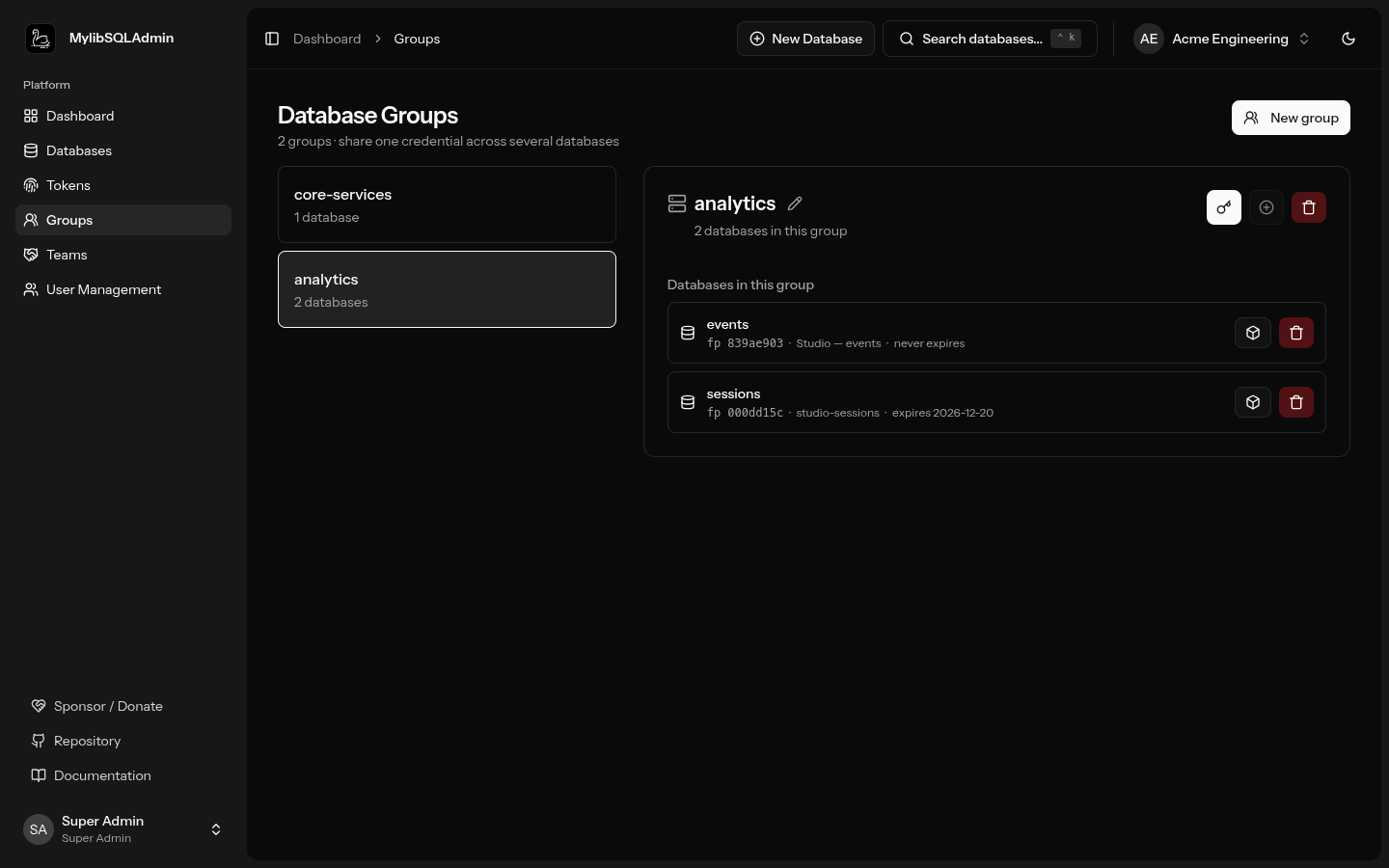
Create a group first, then a database inside it. Groups let several databases share one credential; a database on its own is perfectly valid too.
4. Grant access
A Maintainer or Member will not see a database until it is granted. Open Databases, find the row, and use the grant action to attach a user. The Granted Users column shows the current count.
5. Issue credentials
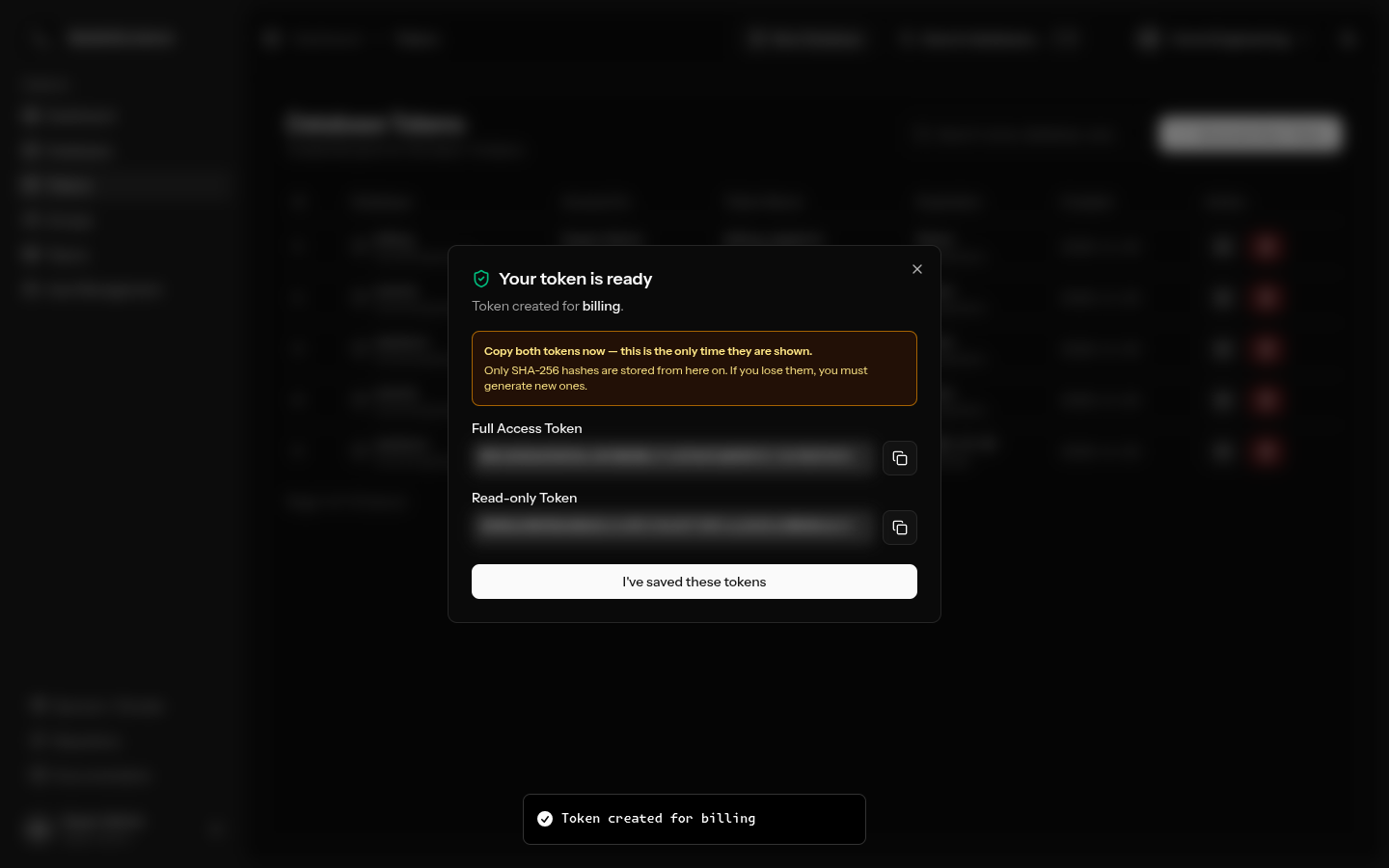
Open Tokens → Generate New Token, pick the database and the user who will own the credential, set an expiry (0 means no expiry), and copy the pair immediately.
What only you can do
- Create, update, archive and restore teams.
- Create, edit and archive users, and assign global roles.
- Archive a database, restore it, or force-delete it.
- Grant a database to a user.
- Restore or force-delete soft-deleted records.
Boundaries worth respecting
Not recoverable, by design
- Database tokens are hashed at rest. Losing the plaintext means minting a new pair — there is no recovery screen.
- Archiving forks the namespace to
<name>-archivedand removes the live one; Delete permanently destroys that archived namespace too. Neither is a substitute for a backup of the sqld volume. - Activity logs record metadata, never raw tokens. Do not expect to reconstruct a credential from the audit trail.
Keep APP_DEBUG off, keep registration disabled unless you deliberately run an open instance, and delete storage/app/bootstrap-credentials.txt after the first login. Those three settings are the difference between a control plane and an open door.
Related
- Permission matrix — every permission string.
- Teams & members — invitations and membership.
- Tokens — lifecycle and revocation.