
Database Studio is the embedded query console. It is the fastest way to inspect a schema, run a one-off query, or prove that a database is reachable before you wire an application to it.
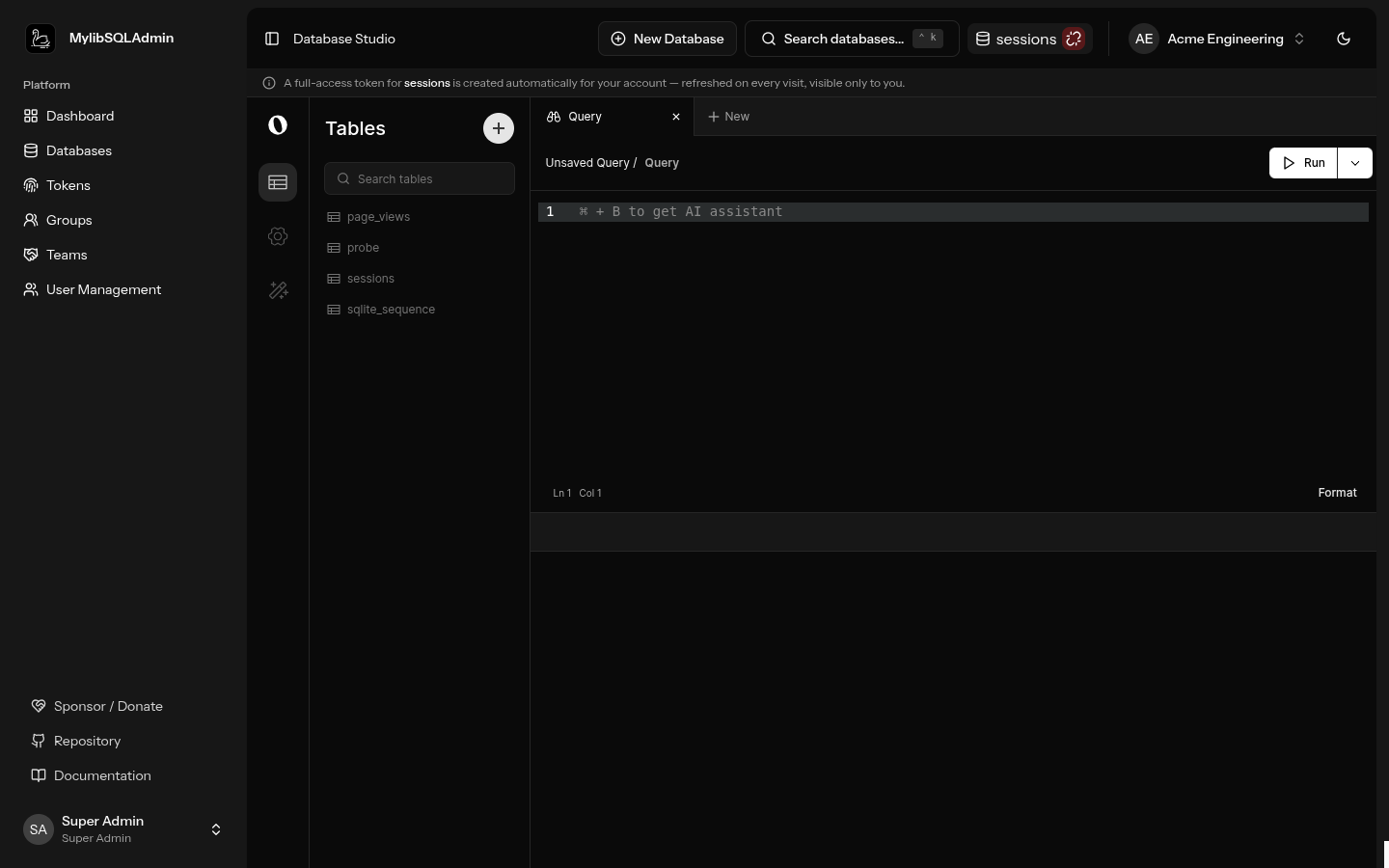
Open Studio
- Open Databases.
- Press Studio on the row you want to query.
- Wait for the table list to populate.
The URL carries the database name (/database-studio?database=events), so a Studio link can be bookmarked or shared with someone who has access to the same database.
How the connection works
Studio is a three-part arrangement, and understanding it explains most failures:
- The parent page (MylibSQLAdmin) mints a full-access token for the signed-in user by calling
POST /database-studio/token. - The parent page opens the embedded Studio from
libsqlstudio.comin an iframe. - Queries typed in the iframe are posted to the parent page, which executes them with
@libsql/client/webagainst the database’s sqld endpoint.
The token never reaches the iframe and is never written to the server. A fresh one is minted on every visit.
A Member can use Studio on a granted database even though they cannot mint tokens manually. Studio's token is a per-visit convenience, not a credential you can copy out.
Troubleshooting
| Symptom | Likely cause | Fix |
|---|---|---|
Table list never loads; console shows a CSP connect-src violation |
The browser is trying to reach an sqld host that the page’s Content Security Policy does not allow | In non-production the policy allows http://*.localhost:8080. In production set LIBSQL_PARENT_DOMAIN on the webapp to the public parent domain; this also covers .id, .co.uk and other suffixes the automatic heuristic skips |
Failed to fetch / connection refused to http://<db>.db:8080 |
LIBSQL_HOST points at the internal compose service name, which browsers cannot resolve |
Set LIBSQL_HOST to the client-facing host (localhost for a local install, the public parent domain in production) |
Every query returns an empty 204 on a custom domain |
The TLS edge rewrote Host, so the proxy could not extract the database subdomain |
Forward the original Host header and set LIBSQL_PARENT_DOMAIN on the proxy to the same value used by the webapp |
| Studio works over HTTP but not HTTPS | Mixed content: an HTTPS page cannot open a plain-HTTP sqld endpoint | Terminate TLS in front of the proxy and set LIBSQL_HOST/LIBSQL_PORT to the public https host and 443 |
| Studio opens but the table list is empty | The database has no tables yet | Create a table, or run CREATE TABLE in the editor |
Studio token could not be created |
The user has no access to the database, or the session expired | Check the grant, then sign in again |
The distinction that matters: LIBSQL_HOST is the client-facing host used by the browser, while the admin API uses LIBSQL_API_HOST. They are deliberately separate — the admin API is usually only reachable inside the container network.
Run a query
Type SQL in the editor and run it. Results render as a grid below the editor. The connection is bound to the database you opened; switching databases means going back to the Databases table and opening Studio on another row.
There is no undo. Statements run immediately against the real database. Take a backup of the sqld volume before structural changes, and prefer testing destructive SQL on a throwaway database.