
Member
A Member consumes access. They query the databases shared with them, open Studio, and see who else is in the team. They do not create, grant, rotate or invite.
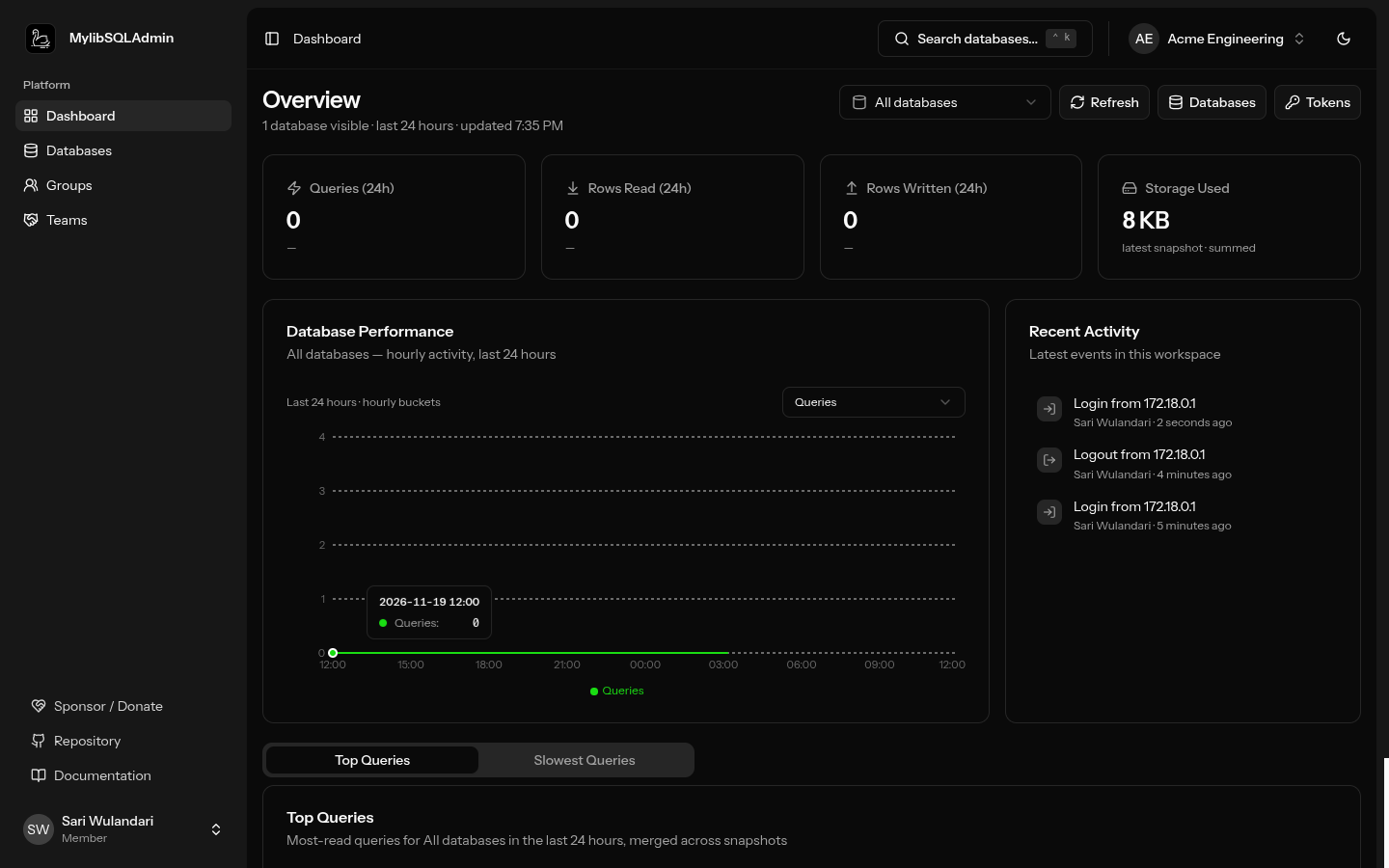
What you see
- Dashboard
- Databases
- Groups
- Teams
There is no Tokens entry in a Member’s sidebar. Credentials are handed to you by a Super Admin or a Database Maintainer; you use them, you do not mint them.
Story: query a shared database
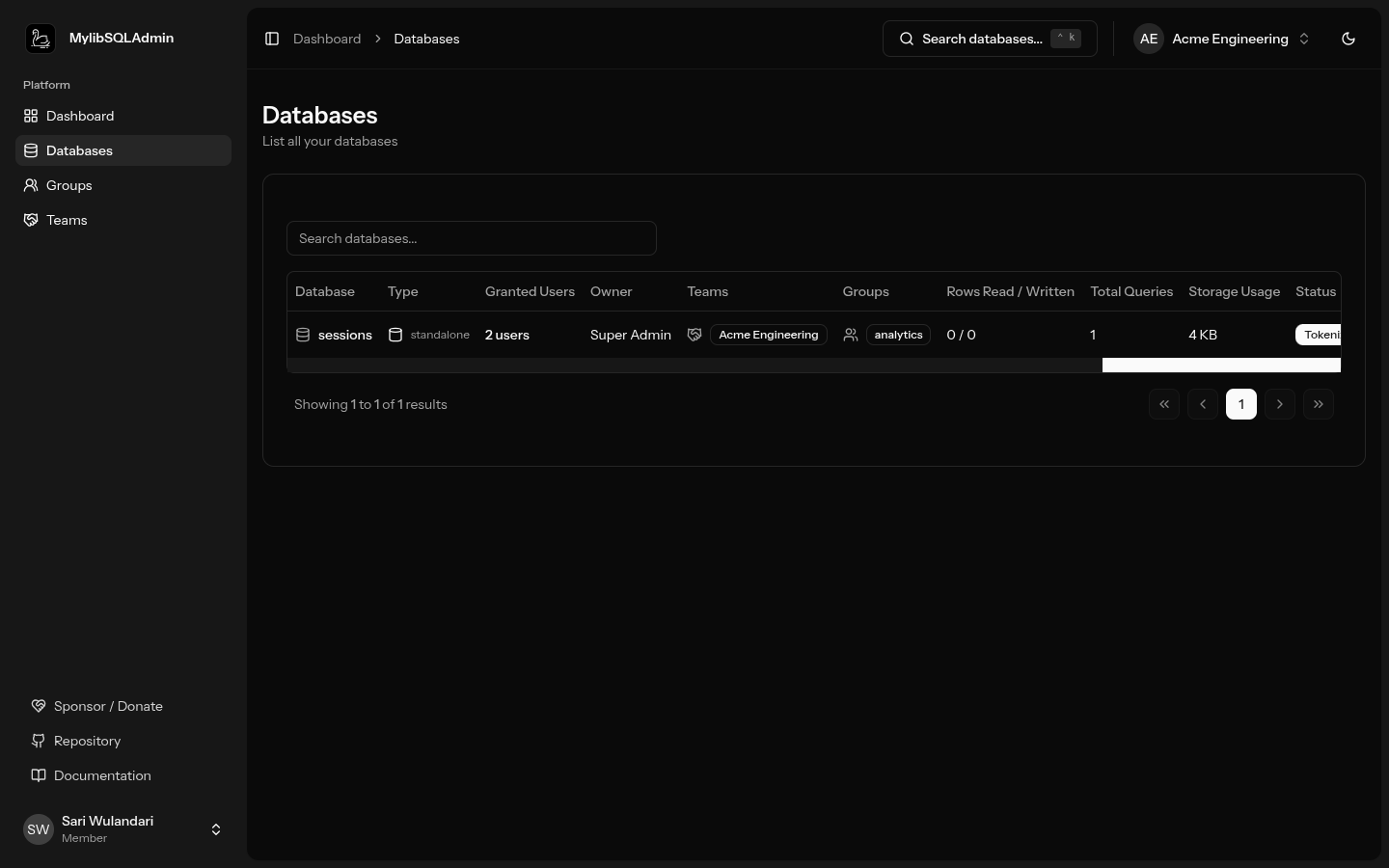
1. Find the database
Open Databases. Only databases granted to you appear — the table is the same shape as an admin’s, but without create, archive or grant actions.
2. Open Studio
Press Studio on the row. Studio mints a short-lived full-access token for your own account on every visit; you never see or copy it. The first screen lists the tables in the database.
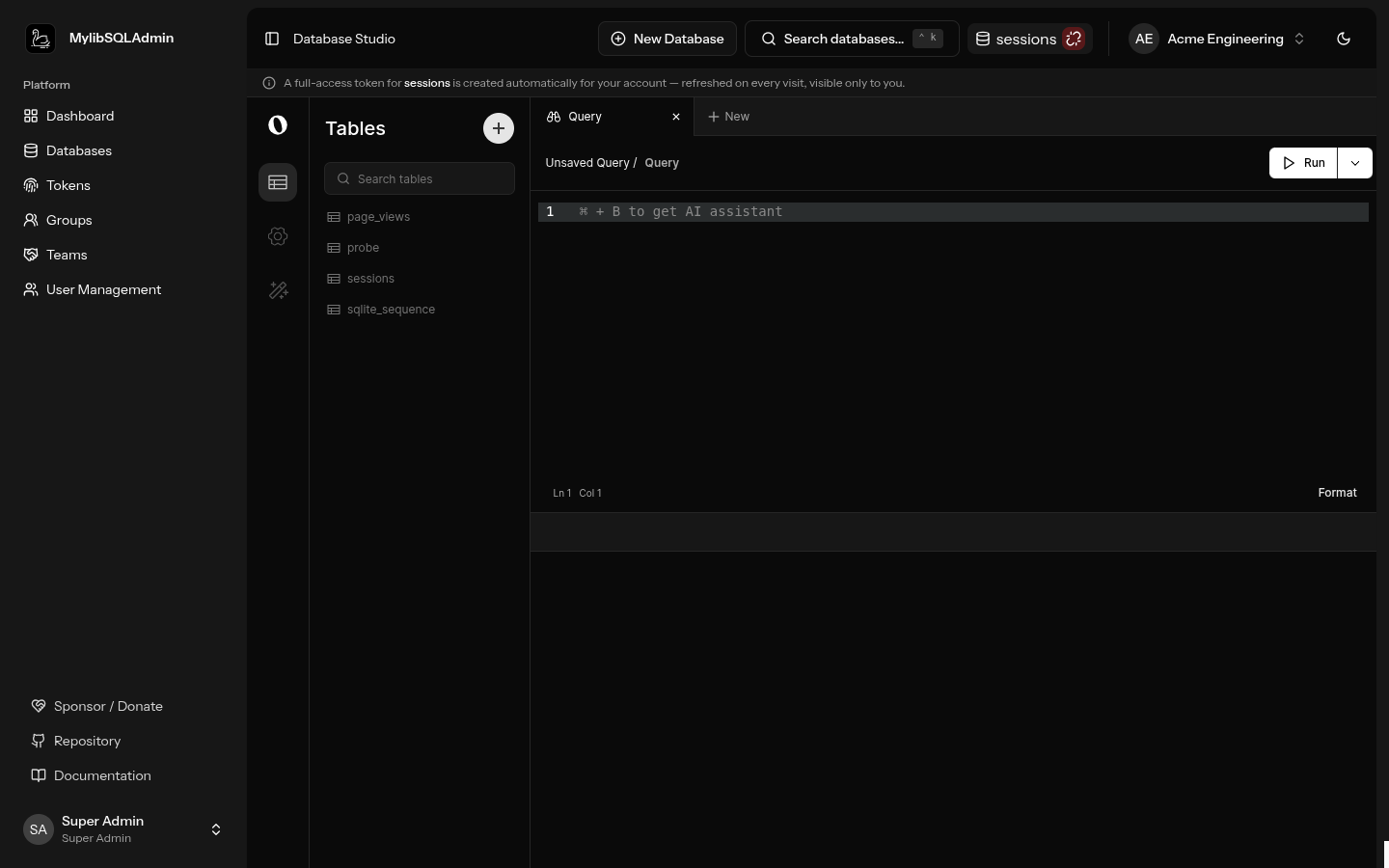
3. Run a query
Type SQL in the editor and run it. Results render as a grid. The connection is scoped to the database you opened — you cannot switch to a database you were not granted.
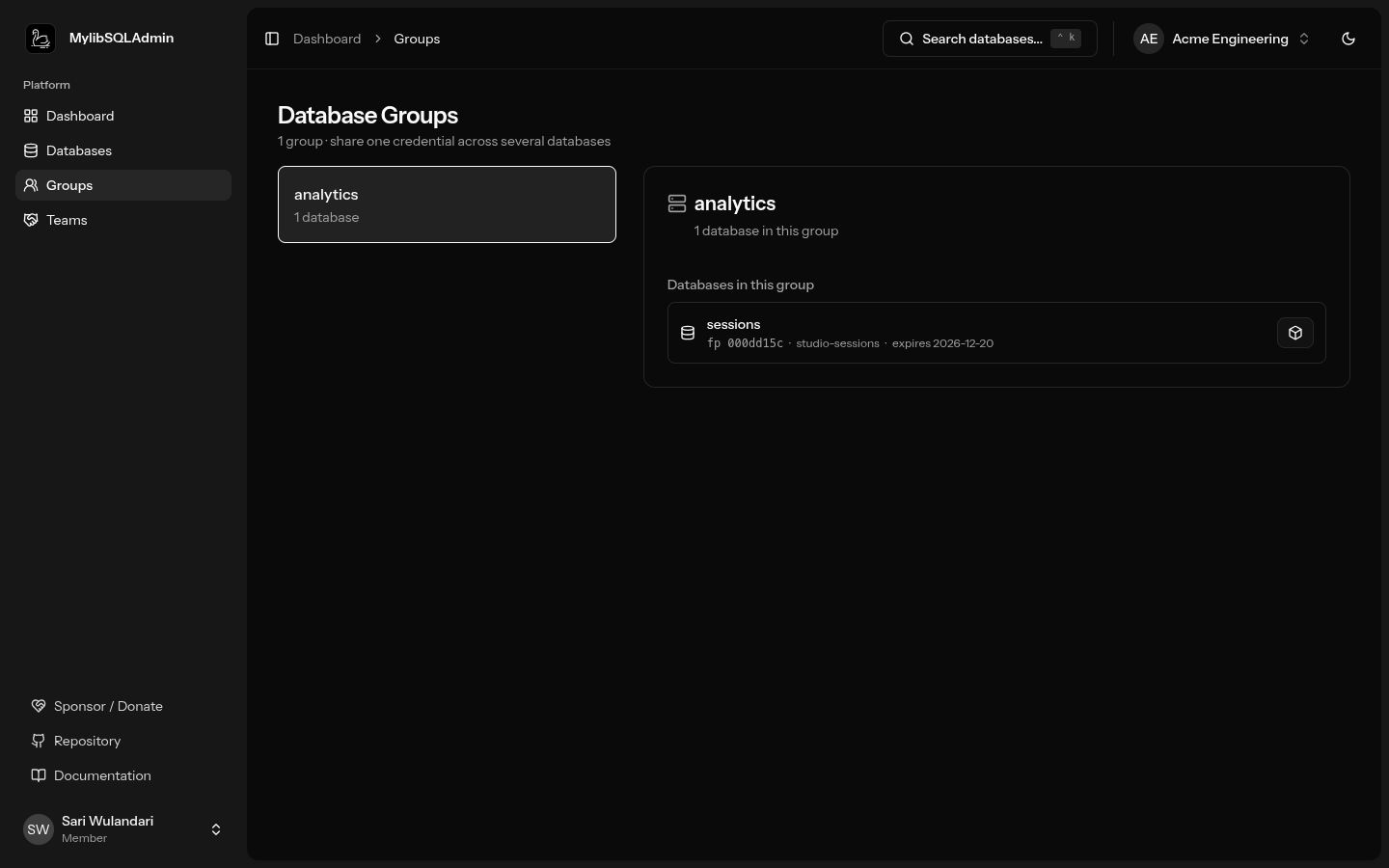
4. Check who else is in the team
Open Teams to see the team, its members and the groups you can view. This is read-only context, not a management screen.
What you can do
- View databases granted to you.
- Open Database Studio and run SQL against them.
- View groups, group tokens (read-only) and team members.
- Connect with a token you were given, using the SDK snippet on the database row.
What you cannot do
Outside the role
- Create databases, groups, teams or tokens.
- Archive or delete anything.
- Grant access to another user.
- Invite, update or remove team members.
- Reach the Tokens section — it is not part of the Member surface.
A blank Studio usually means the database has no tables yet, not that access is broken. If the table list itself fails to load, the sqld endpoint is unreachable from your browser — see the Studio troubleshooting section.