
Database Maintainer
A Database Maintainer is the operational owner of specific databases. They are the person who rotates a credential at 2 a.m., checks which database is growing, and hands a token to an application team.
What you see
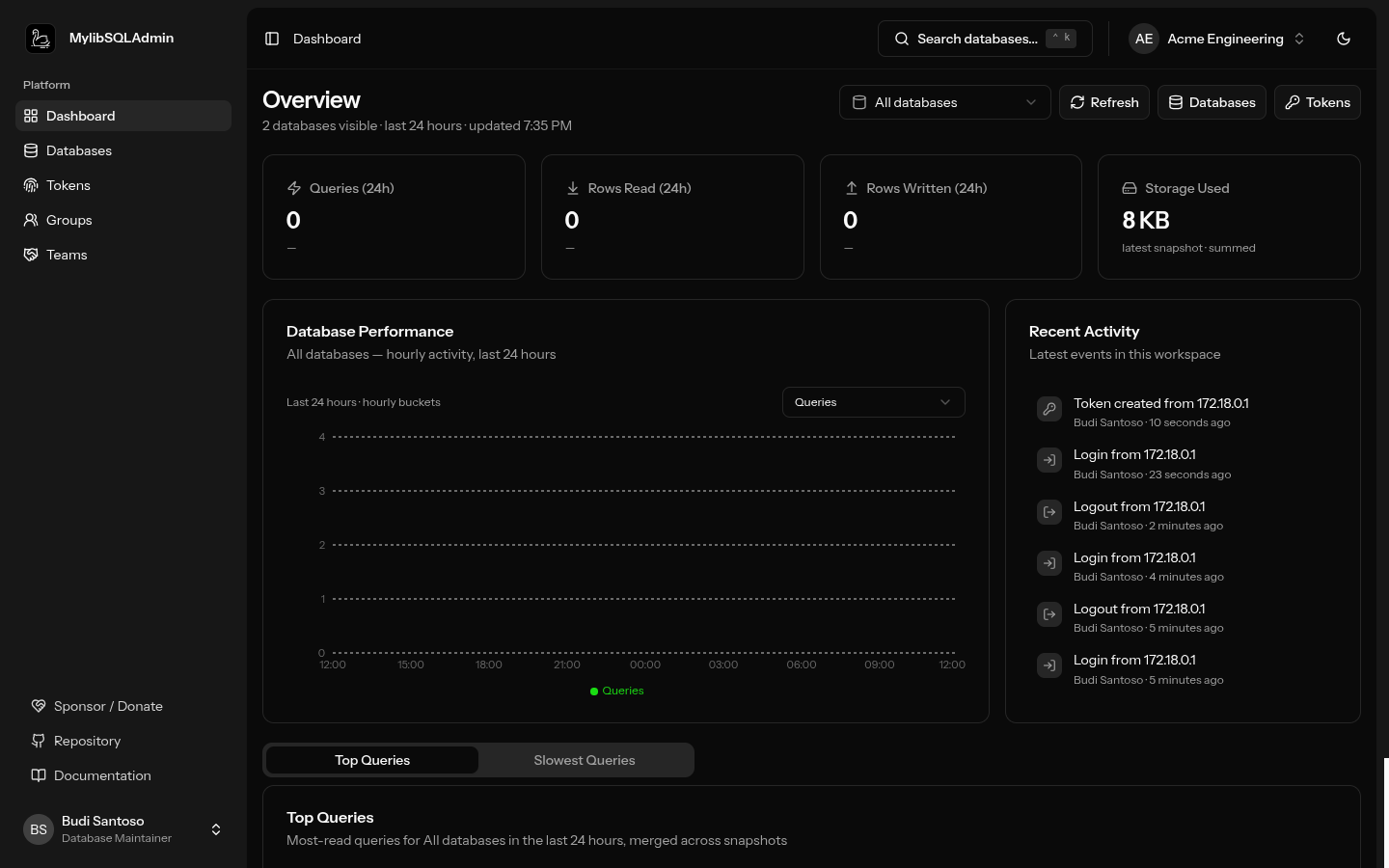
- Dashboard
- Databases
- Tokens
- Groups
- Teams
What you see inside those sections is narrower than the menu suggests: only databases explicitly granted to you appear.
Story: rotate a credential for a granted database
1. Confirm the database is granted
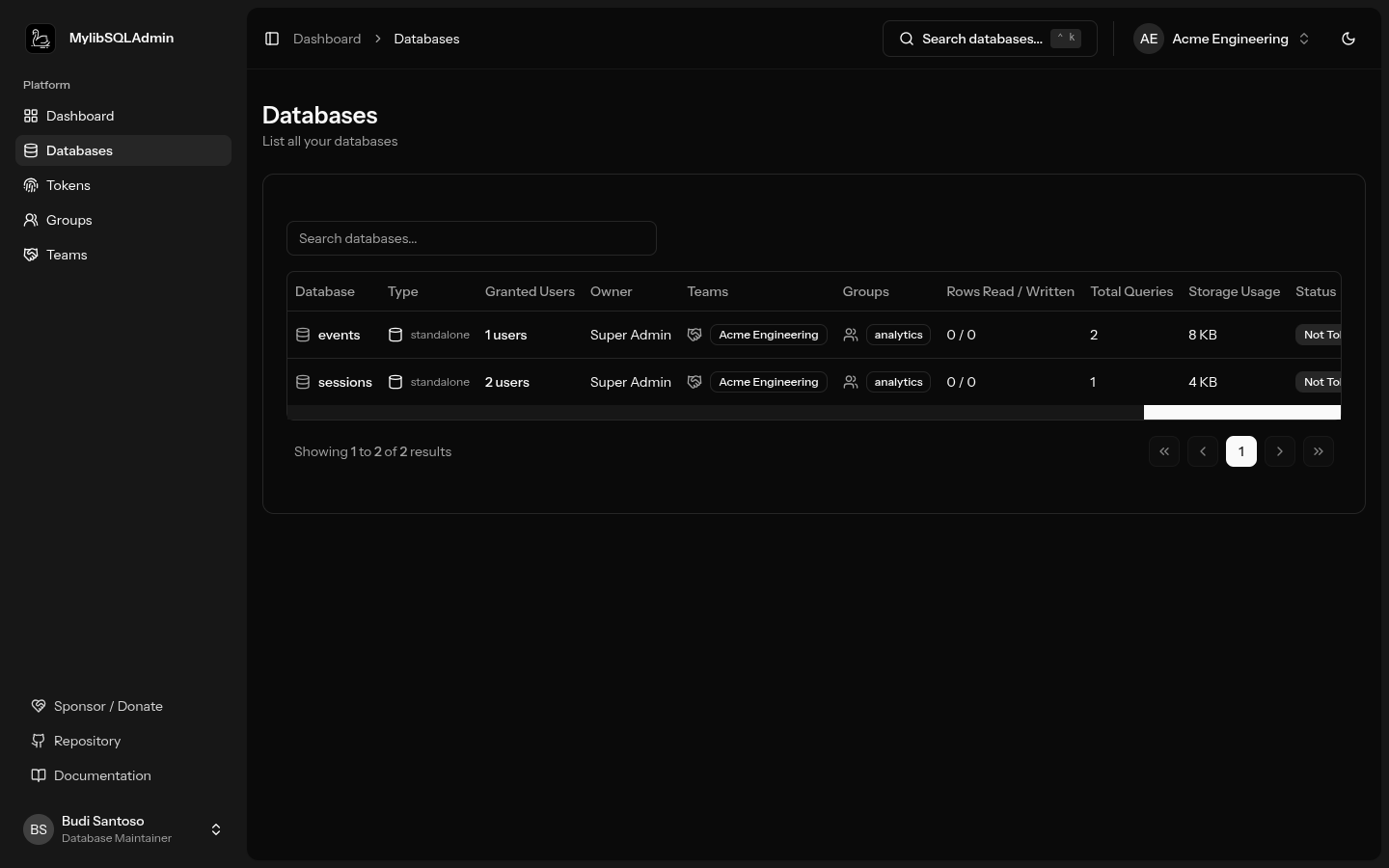
Open Databases. If the list is empty, nobody has granted you a database yet — a Super Admin has to do that from the database’s grant action. A Maintainer cannot grant access to themselves.
2. Inspect before you rotate
The row gives you the signals you need: rows read and written, total queries, storage usage, and whether the database is tokenised. If a database is untokenised, nothing is connecting to it — that is usually a configuration bug, not a security win.
3. Mint a token
Open Tokens → Generate New Token, pick the granted database, name the credential after its consumer (etl-nightly, reporting-readonly), and set an expiry. Use 0 only when the consumer genuinely cannot rotate.
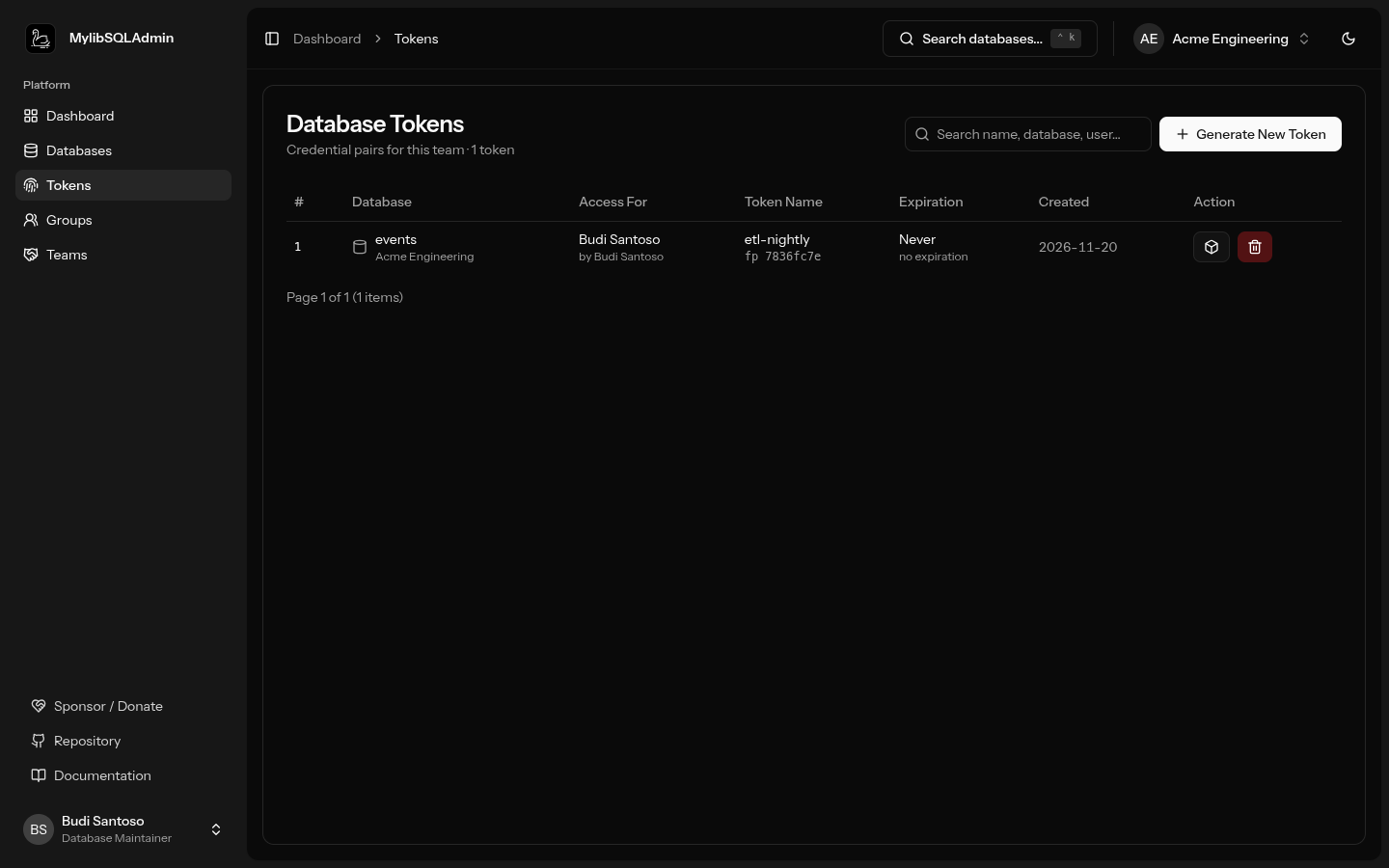
Copy both values immediately. The full-access token can write; the read-only token cannot. Only hashes are stored after the dialog closes.
4. Revoke what you replaced
After the consumer is using the new credential, delete the old token from the same table. Revocation is immediate — a revoked token stops authenticating; there is no grace period.
5. Query the database
Press Studio on the database row to open Database Studio. A short-lived full-access token is minted for your account on every visit, so you never paste a credential into the browser.
What you can do
- View the databases granted to you, with usage and storage metrics.
- Create, view and revoke database tokens for those databases.
- View groups, group tokens (read-only) and team members.
- Open Database Studio on any granted database.
- Use the SDK snippet shown on the database row to connect from an application.
What you cannot do
Outside the role
- Create databases or groups.
- Archive, restore or delete a database.
- Grant a database to another user.
- Invite, update or remove team members.
- Mint or revoke group tokens.
The Maintainer role does not imply access to a team's whole inventory. If a database is missing from your list, the fix is a grant — not a broader role. Asking for Super Admin to "make it visible" is the wrong trade.